




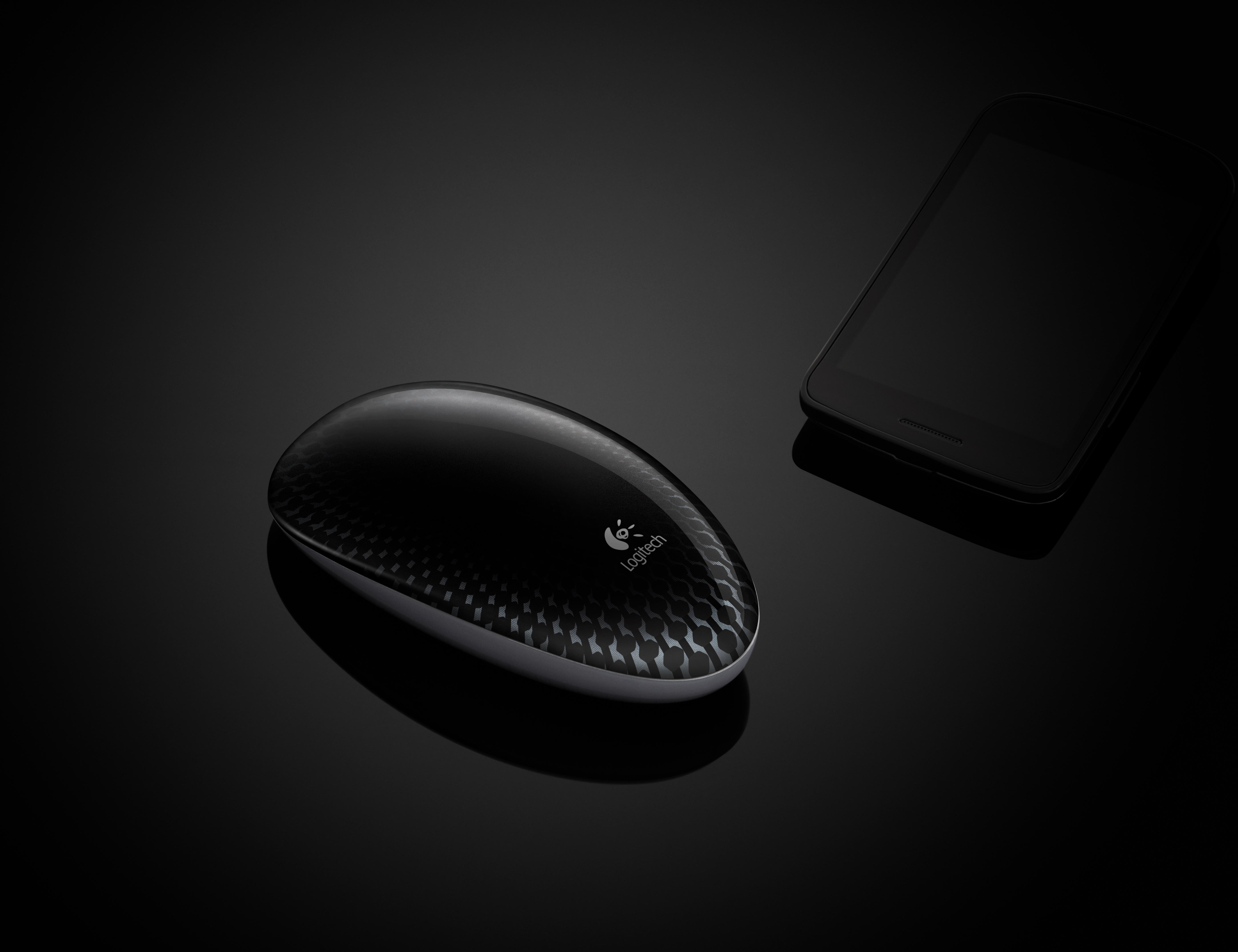
We’re excited to announce our latest mouse: the Logitech® Touch Mouse M600. Taking cue from the way we navigate on smartphones and tablets on a daily basis, this gesture-based mouse follows the natural movements of your hands.
With the Logitech Touch Mouse M600, mousing feels like second nature. You can scroll, swipe and surf wherever your fingertips rest on the mouse, and it doesn’t matter which hand you use. With click areas that can easily be reassigned with the Logitech SetPoint software, it’s perfect for right-handers and left-handers alike.
And you’ll love how smooth it is. Thanks to Logitech Flow Scroll software, you get scrolling that isn’t choppy, and advanced optical tracking means precision on virtually any surface.
Last, but certainly not least, this mouse looks great. With a modern design, smooth edges and designed-for-comfort curves, this sleek mouse looks as good as it feels in your hand.
What’s more, the Touch Mouse M600 was named an International CES Innovations 2012 Design and Engineering Awards Honoree.
If you use a smartphone or tablet, you’re already using your fingers to navigate – the Touch Mouse M600 is just the natural next step in computing. Give it a swipe and let us know what you think!

Looks like a great product! What are the dimensions of the mouse, because it looks like a laptop mouse?
Can you zoom with M600?
Is it compatible with Linux or Windows only model?
@Geza and Jim, The Logitech Touch Mouse M600 currently is not supported by Linux
Hello Todd,
Do you mean it is ergonomic by saying natural? As a programmer what is most important for me is its ergonomy
I could not see a note in your article about this issue. Or am I missunderstanding ?
Thanks
Any idea when this product will start shipping? I went ahead and pre-ordered it. I hope this product is more comfortable than my Magic Mouse. I wanted to love it but it was just too flat! Hence upgraded to the Performance MX mouse and the K750 Mac keyboard which I dearly love!!
This product seems like a natural for the Mac but is only for WIndows 7. Will it ever be available for the many Mac users?
@Todd, We unfortunately can not comment on future product releases at this time.
This mouse seems like a natural to replace the Magic Mouse for Mac users but is only supported for Windows 7 users. Will it ever be ported to the Mac?
Does it have middle click?
The Wireless Touchpad was a great disappointment to me and it’s sitting in a drawer because of the lack of middle click.
Zizikos, The Logitech Touch Mouse M600 does not have a middle click function, but it does have the ability to scroll and swipe.
Logitech releases an innovative product again as in solar keyboard K750. Thanks.
Currently I am using Performance MX mouse for my desktop computer but I don’t have mouse for my laptop and looks like finally you(Logitech) created perfect mouse for this purpose.
I too question if the M 600 touch is compatible with Linux.
I would not risk buying new technologies from Logitech when they are not dedicated to support it.
I bought award winning Di Novo Edge Keyboard which is one of the most expensive keyboard including competition but when I had a problem during the warranty period I was informed I would get a credit for the purchase amount and not a replacement since they no longer import the keyboard in India as they had failed selling the same in India.
They in fact sold the keyboards at half the list price.
Just got my mouse today. Noticed one thing. I use Katmouse. No scroll wheel so I can’t use the scroll wheel to switch back and forth through my programs. Never really though about it though. Much lighter then the Performance MX which I do have.
It’s possible to make personalized gesture?
The M600 accept touch with 3 fingers?
@Piero, While you would not be able to make personalized gestures, you would be able to download smooth scrolling software from Logitech.com
Great, now make one of these with the automatic clutch flywheel from the logitech revolution MX and I’ll buy 20 of them!
Will you be providing a driver compatible with Windows XP?
Extremely disappointed that there is no functioning middle click as well.
Now, I don’t use the mouse at all.
I rely on the middle click to do other things rather than just scrolling such as rotating pictures and objects.